Photo tips
Photo tips that work across every Says Hi tool
When a reading comes back uncertain, a clearer photo is worth trying first — though uncertainty can also reflect the tool’s own limits, not just the photo. The same fundamentals work whether the subject is a leaf or a coin — extension services and plant libraries teach them for human experts, and they apply just as well to a camera-facing AI.
Start sharp: focus and clean lens
Two fixes are worth trying before anything else. First, wipe the camera lens — skin oil on phone lenses is common, and University of Maryland Extension lists this step near the top of its photo advice. Second, tap the screen to focus on the subject itself, not the scene around it, then take several photos and keep the sharpest. Clemson’s extension service suggests the same take-several-pick-one approach for identification photos.
If the subject is small, move the phone closer rather than pinching to zoom — digital zoom trades clarity for size. There is a limit: held too close, a phone camera can’t lock focus. When that happens, back off a few inches and use a little zoom instead.
One last check before you send: open the photo and zoom into the subject yourself. If the detail you want read — the leaf edge, the mint mark, the coat pattern — is still soft or pixelated to your own eye, retake it. The tool can’t see what isn’t there.
Light behind you, not behind the subject
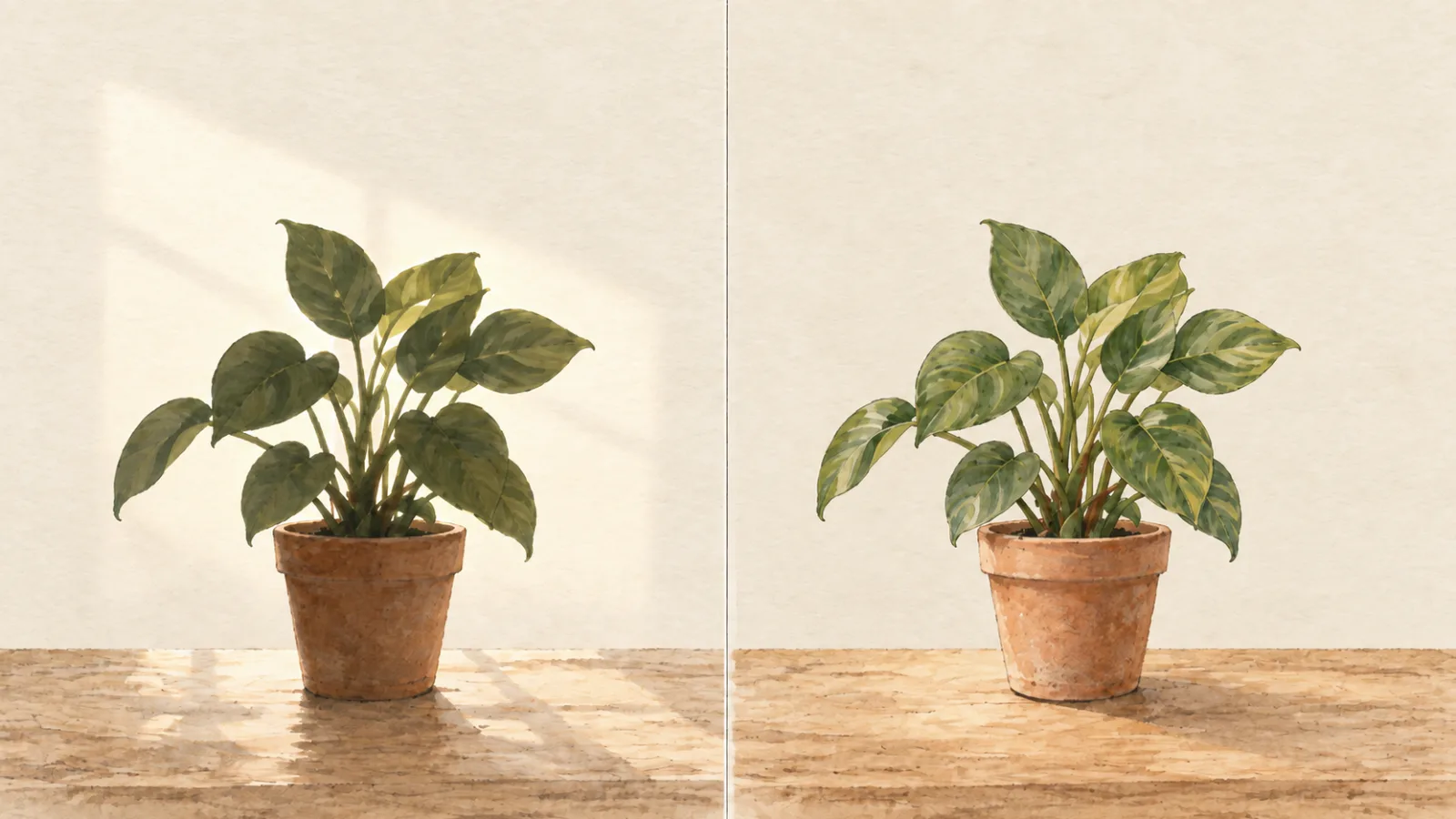
Light direction is the next thing worth checking. Shooting toward the sun or a bright window makes the camera expose for the light, not the subject — the thing you care about turns into a dark silhouette or a washed-out shape. Turn around so the light falls on the subject from behind the camera, and the details the tool needs become visible.
Softer light reads better than harsh light. The New York Botanical Garden suggests photographing on a cloudy day, or early or late in the day, because bright sun washes out color and detail; it also warns against night shots lit by flash for the same reason. Indoors, steady room light beats the flash.
Sources: Clemson Cooperative Extension (HGIC), New York Botanical Garden.
Whole subject plus close details
One frame rarely carries everything. Take a photo of the whole subject so the tool sees its shape and context — the whole plant, the whole coin, the whole dish — then take close-ups of the parts that carry the clues. For a plant that means leaves (top and underside, where pests hide), flowers, bark, and stems. For a coin, both faces and the edge. For a pet, the coat, the face, and the posture.
Fill the frame without starving it: the subject should nearly fill the photo at a distance where it still resolves sharply, rather than a speck that has to be enlarged into pixels.
Sources: Clemson Cooperative Extension (HGIC), New York Botanical Garden.
Add a scale object
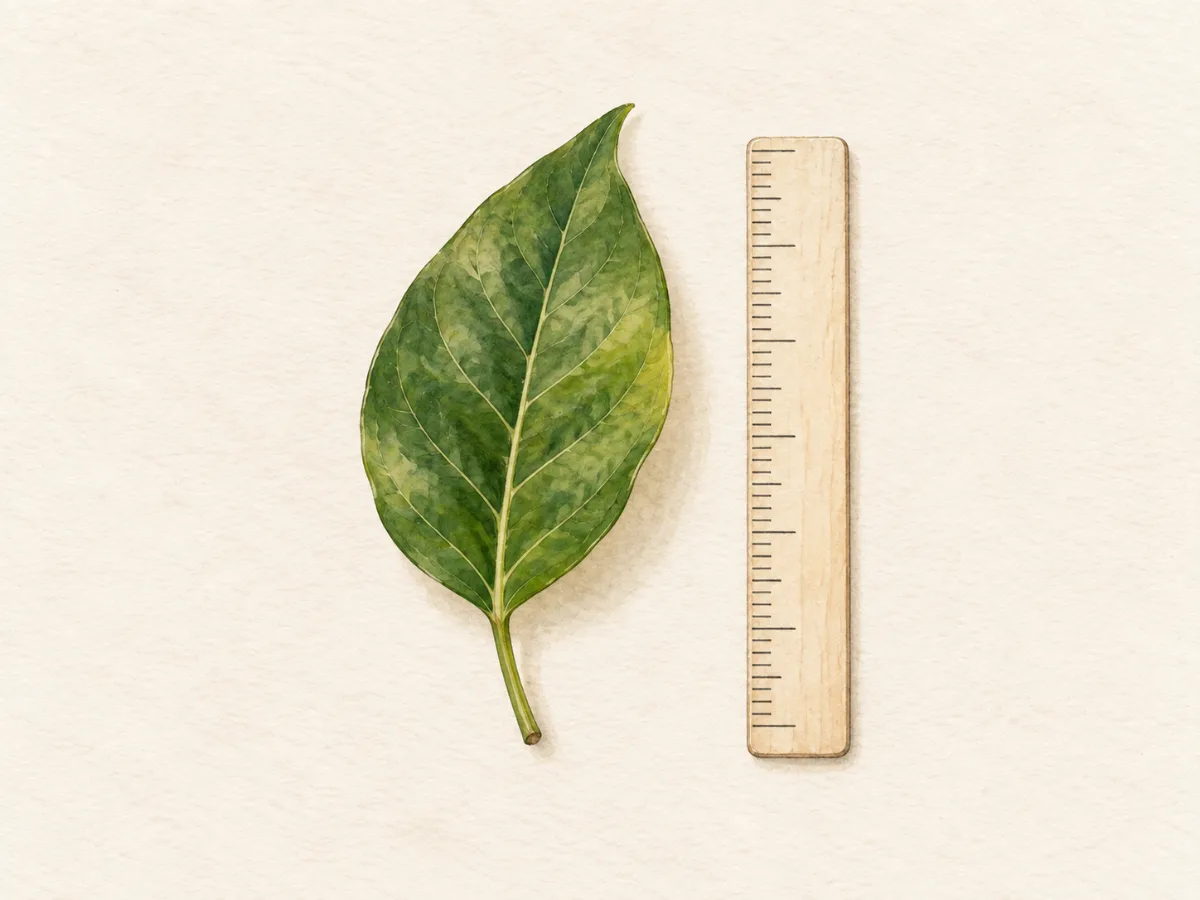
Size is invisible in a photo with no reference. Clemson and Maryland both advise placing a ruler beside small subjects — and when no ruler is handy, a coin, pen, key, or battery gives scale almost as well. The object sits beside the subject, not under it, and stays out of the way of the details. Keep it on the same surface and at the same distance from the lens as the subject, or perspective lies about the size.
Scale matters most where size is part of the answer: coins and tokens, leaves and seedlings, insects in a photo, small finds. A dog or a car rarely needs one — the subject carries its own scale.
Angles: top, side, and the part that confused you
Different surfaces tell different stories. Clemson asks for tops and undersides of leaves, and dorsal and ventral views of small animals, because clues hide on the face you didn’t photograph first. The same logic transfers: a coin’s reverse carries the mint mark, a building’s side carries its materials, a cat’s profile shows coat and posture differently than its face.
One deliberate extra — a separate shot of the detail that made you curious in the first place — gives the tool the thing you actually wanted read: the unusual marking, the worn date, the spot on the leaf.
Reflective surfaces deserve their own moment. A coin’s field, a glossy leaf, wet fur, or a car’s paint all throw glare straight back at the lens and erase the details underneath. Tilt the subject or shift your own position until the reflection slides off, rather than shooting straight into it.
What still won’t work
Some photos can’t be saved. A blurry frame stays blurry. A subject tangled up with other subjects — a plant growing through its neighbor, a coin lost in a pile — reads ambiguously, so isolate the subject where you can. Photos of screens and heavy filters distort color and detail; photograph the thing, not a picture of the thing.
And a sharper photo has limits that no photo fixes: a photo cannot confirm a health problem, an allergen, an authenticity, or a value. Every tool in the family returns a provisional reading — a labeled suggestion to explore, not a verdict. How Says Hi tools work explains the vocabulary, and each product’s own site states its specific limits.
Subject-specific next steps — per tool
The fundamentals above apply to all of them; each tool’s own site carries the subject-specific version:
- Plant Says Hi — how to take one useful photo of your plant
- Food Says Hi — what a food photo can and can’t tell you
- Art Says Hi — how the tool reads images
- Cat Says Hi — photographing coat and posture
- Dog Says Hi — a photo that shows visible traits
- Coin Says Hi — keep the identifying details visible
- Car Says Hi — car photo tips
Word Says Hi is the exception — it reads a typed word, not a photo, so none of this applies.
Not sure which tool your subject belongs to? Which Says Hi tool do I need? matches situations to tools.
Sources and review
- Tips for Taking Good Photos to Send to Your Extension Agent — Clemson Cooperative Extension (HGIC)
- Tips for Submitting Photos to Ask Extension — University of Maryland Extension
- Photographing Plants for Identification — New York Botanical Garden
Sources last checked 2026-09-29. Sources support the statements near them; these organisations do not endorse Says Hi.
Spotted an error? Tell us.
By the Says Hi editorial team · Qomza, LLC. Published September 29, 2026 · Last updated September 30, 2026.